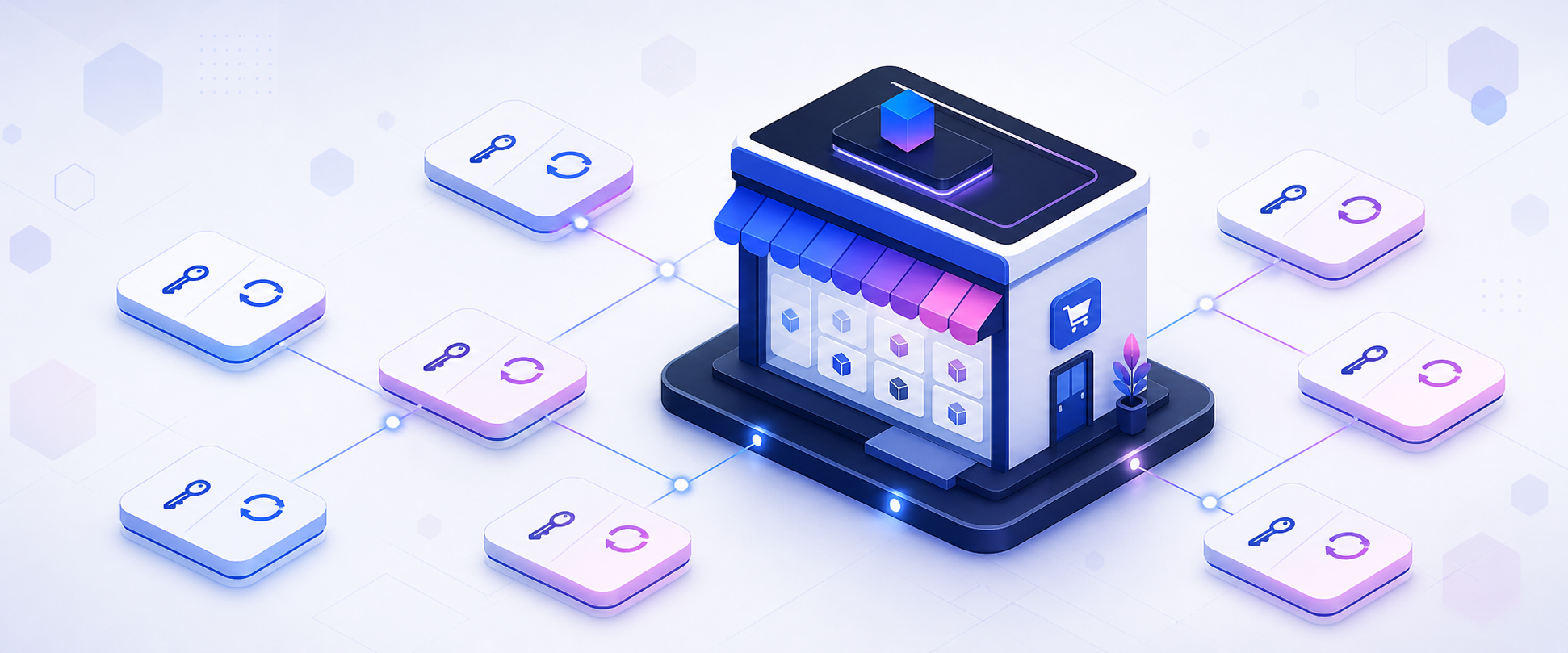
The TitanCart Extensions Marketplace isn’t just a storefront — it’s a fully automated software distribution platform. When you purchase an extension, you get a license key, a download link, and automatic updates delivered through your WordPress dashboard. Here’s how the system works behind the scenes.
Dogfooding: TitanCart Powers Its Own Marketplace
The marketplace at market.titancart.io runs on TitanCart itself. Every extension listed in the store is a TitanCart product. When you add an extension to your cart, check out with Stripe, and receive your order confirmation — that’s all TitanCart’s own cart, checkout, and payment systems handling the transaction. We use our own product to sell our own products. If something doesn’t work well, we feel it immediately.
License Key Generation
When your order is completed, our licensing system automatically generates a unique license key tied to your purchase. Each key has configurable activation limits — typically one site for a standard license, with options for multi-site licenses. The key is displayed in your order confirmation email and accessible anytime from My Account → Licenses.
License keys follow a formatted pattern (e.g., XXXX-XXXX-XXXX-XXXX) and are verified against our API whenever an extension checks for updates. This prevents unauthorized distribution while keeping the experience seamless for legitimate customers.
One-Click Extension Updates
Once you install a TitanCart extension and activate your license key, updates are delivered automatically through the standard WordPress update system. When we release a new version, you’ll see the familiar “Update Available” notice in your WordPress dashboard.
The update flow works like this: TitanCart’s core plugin scans installed extensions for our marketplace header, checks our API for new versions, and hooks into WordPress’s plugin update transient. From your perspective, it’s identical to updating any other WordPress plugin — one click and you’re on the latest version.
We also built an Update Center directly into the TitanCart admin panel. Navigate to Extensions → Update Center to check all your extensions at once, see changelogs, and update individually or in bulk.
Download Access
Your My Account → Licenses page includes a download button for each purchased extension. This always serves the latest version, so even if you’re setting up a new WordPress site months after purchase, you get the current release. Download links are authenticated against your license key — no login sharing.
For Extension Developers
As we open the marketplace to third-party developers, the same infrastructure will be available to all sellers. You upload your plugin ZIP, set a price, and the system handles licensing, delivery, and updates automatically. Developers focus on building great extensions; the marketplace handles distribution.
Interested in selling on the TitanCart Marketplace? Get in touch — we’re onboarding our first wave of third-party developers.